Scenario
Upon logging into the alert board, we identify two alerts triggered by the rule “SOC104 - Malware Detected.” We proceed to create a new case to investigate these events further.
| EventID | 14 | 36 |
|---|---|---|
| Event Time | Sep, 15, 2020, 09:02 PM | Dec, 01, 2020, 10:23 AM |
| Rule | SOC104 - Malware Detected | SOC104 - Malware Detected |
| Level | Security Analyst | Security Analyst |
| Source Address | 172.16.17.82 | 10.15.15.18 |
| Source Hostname | JohnComputer | AdamPRD |
| File Name | googleupdate.exe | Invoice.exe |
| File Hash | 0bca3f16dd527b4150648ec1e36cb22a | f83fb9ce6a83da58b20685c1d7e1e546 |
| File Size | 152.45 KB | 473.00 KB |
| Device Action | Allowed | Allowed |
Event 14
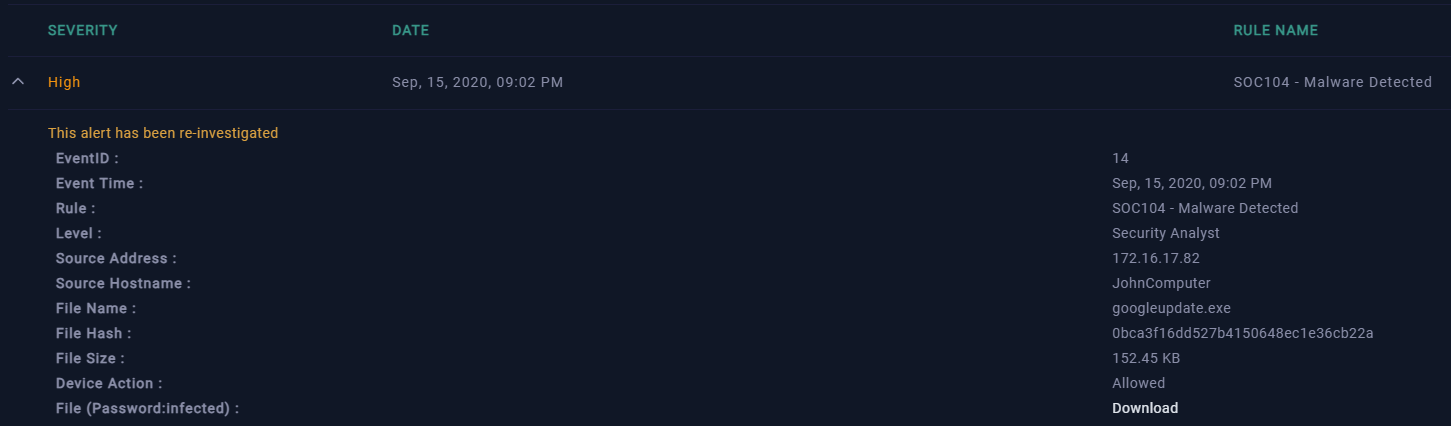
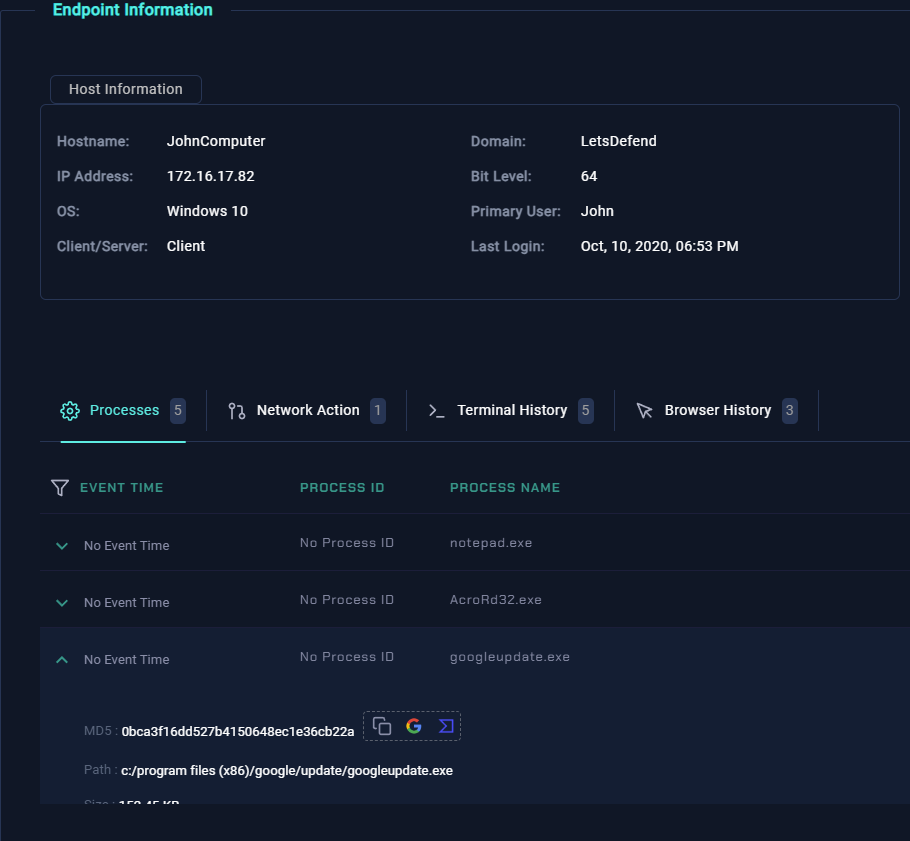
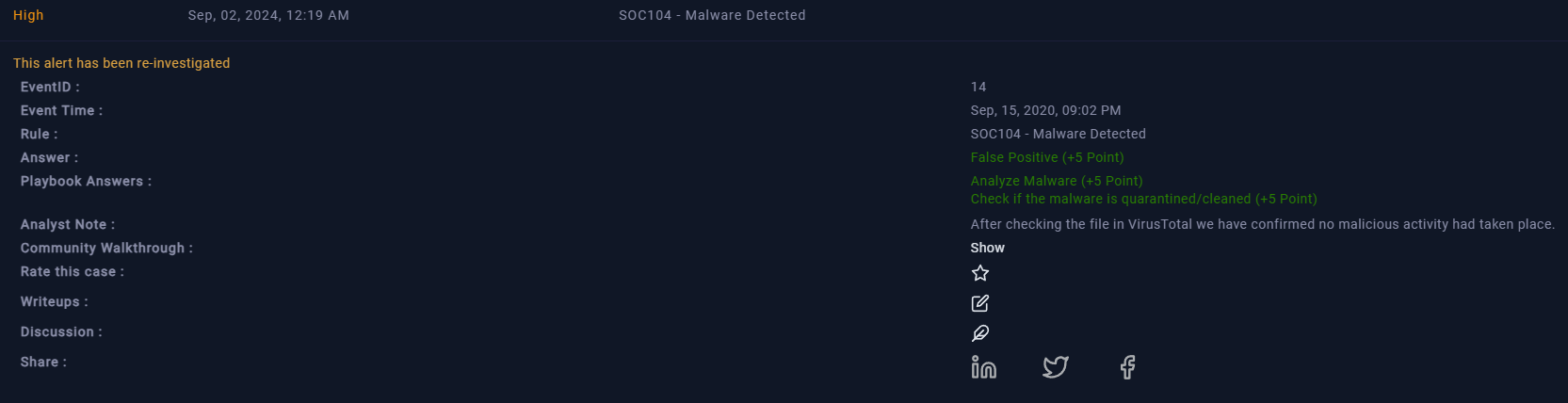
In Event 14, the alert is triggered by the file “googleupdate.exe.” After navigating to the endpoint security tab and selecting the host “JohnComputer,” we find that 5 processes are currently running, including “googleupdate.exe.” Upon selecting this process, three quick actions are available next to the MD5 hash: copy, search with Google, or open in VirusTotal.
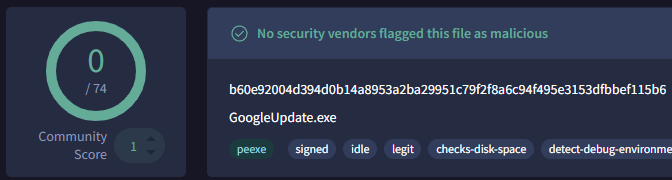
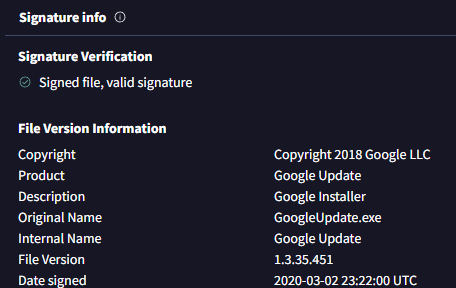
Choosing the VirusTotal option reveals a detection score of 0/74, indicating that no scanners flagged this file as malicious. Further inspection in VirusTotal shows that the executable is signed by “Google LLC” on March 2, 2020. With this information, we can confidently determine that this alert is a false positive.
Next, in the case management system, we begin the playbook for this event. The appropriate threat indicator is “Anti-Virus programs malfunctioning,” given that a legitimate file triggered the alert. The “Device Action” was allowed, meaning the malware was neither quarantined nor cleaned. We also found the file to be non-malicious in VirusTotal. We will add the MD5 hash as an artifact and include our findings in the notes. After confirming the playbook is complete, we close this alert as a false positive.
Event 36

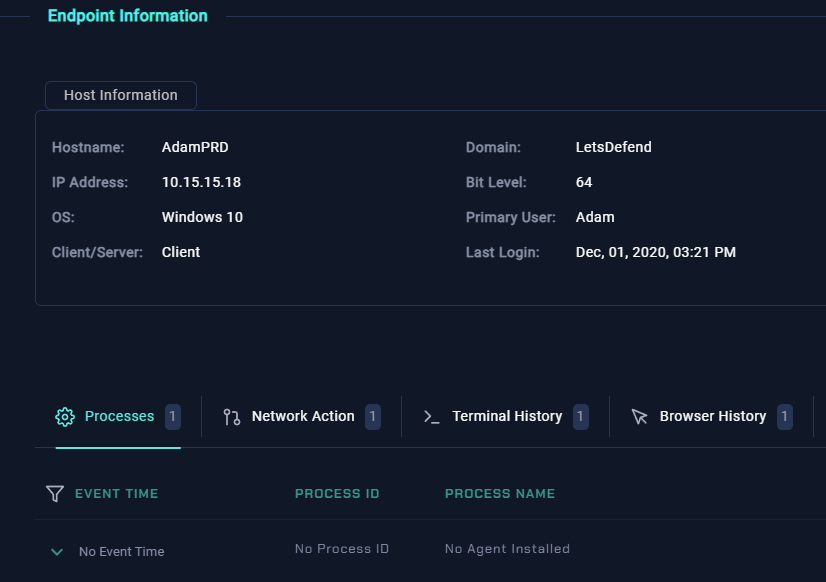
Event 36 alerts on the file “Invoice.exe,” which immediately raises suspicion since invoices are typically documents, not executables. In the endpoint security tab, selecting the host “AdamPRD” shows minimal activity, but we still have the file from the alert to investigate.
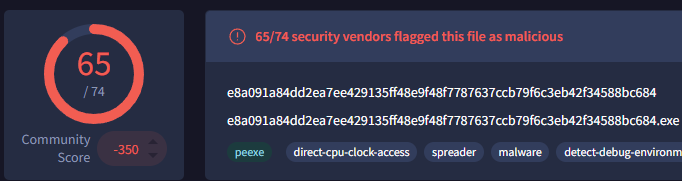
The logs reveal that 7 minutes after the initial alert, there was traffic to “92.63.8.47” over port 443 with the URL “hxxp://92.63.8[.]47”. Unlike before, we need to manually check this file’s hash on VirusTotal. The search returns a score of 65/74, indicating that 65 scanners flagged this file as malicious. The file was originally created on May 27, 2019, and is not signed. We also search the IP address and find that 10 scanners marked it as malicious, attributing it to the MAZE malware type.
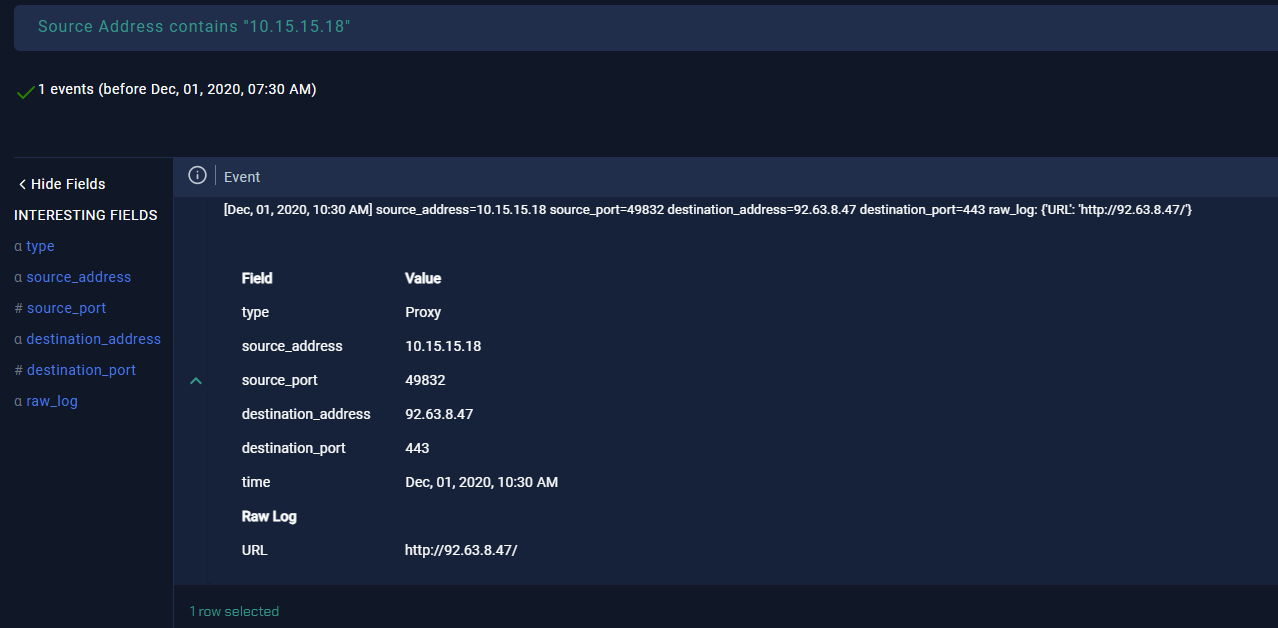
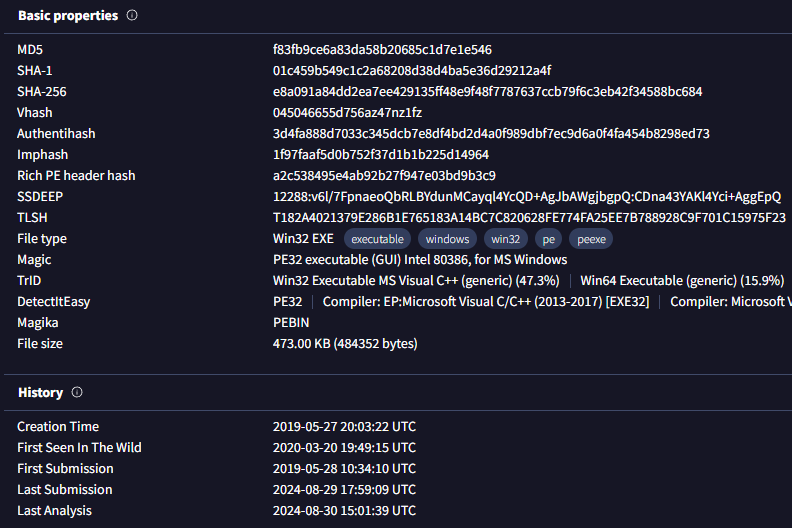
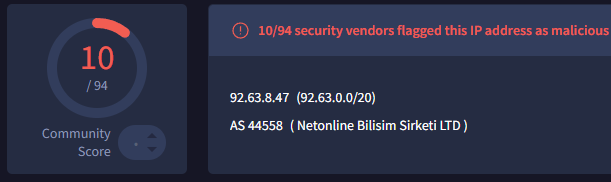
Given the timing of the traffic to the IP address, just 7 minutes after “invoice.exe” executed, we suspect this is a C2 (Command and Control) address, and that the file was not quarantined. To prevent further damage, we contain the host and proceed to fill out the playbook. The threat indicator is set as “unexpected outgoing internet traffic,” given the allowed “Device Action.” We identified both the file and destination IP as malicious, and confirmed C2 access through log management. The final step in the playbook involves containing the machine, which we have already done. We then add our artifacts and notes, and close this alert as a true positive.
